Linux Virtual Network, Troubleshooting, and Packet Analysis
A dual-network lab used to diagnose addressing, routing, DNS, and connectivity problems and validate traffic at the packet level.
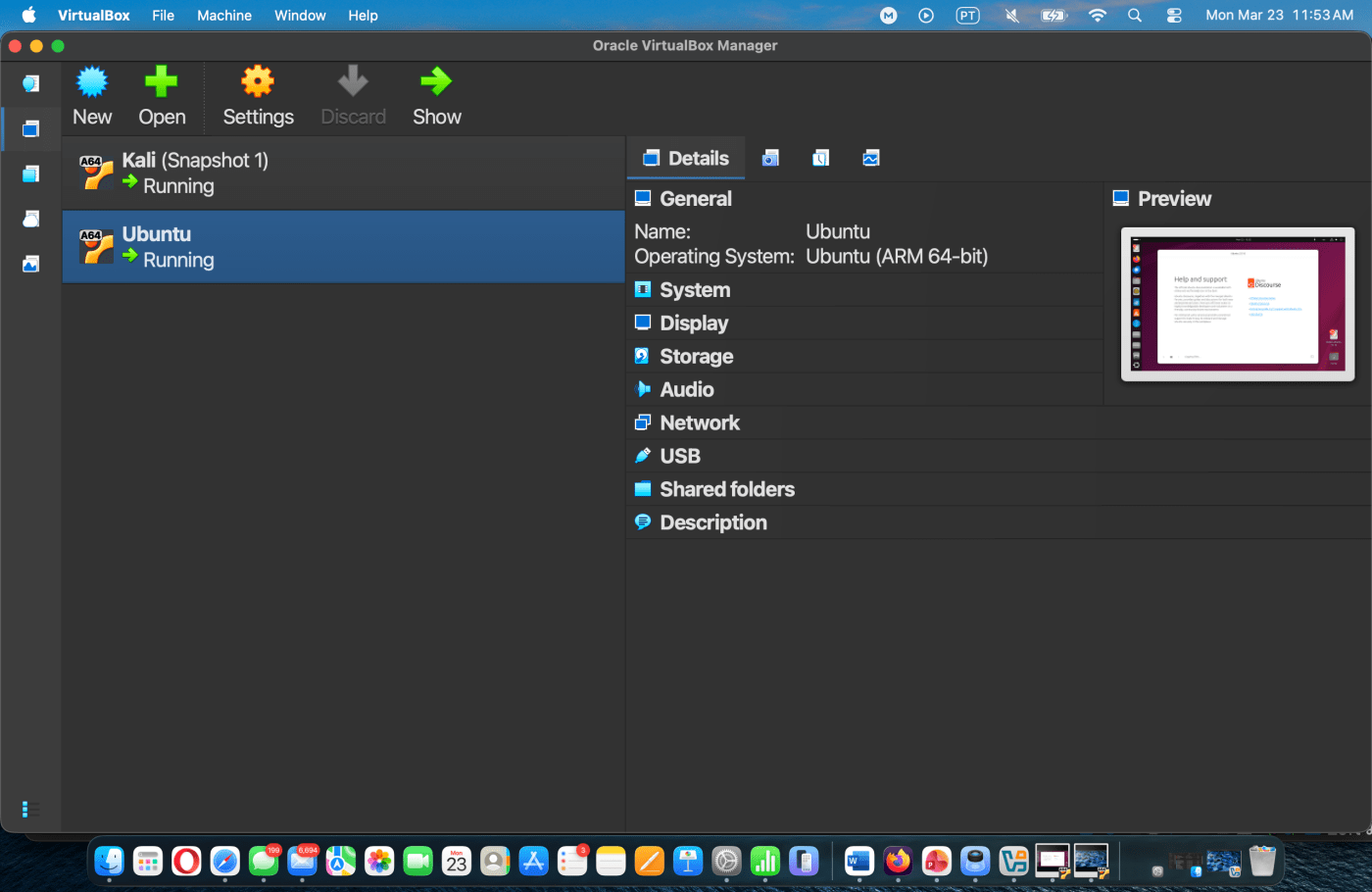
The challenge
What needed to be solved
Build a realistic small network and resolve the types of failures that appear in support work: duplicate addresses, missing DHCP, incorrect routes, DNS failure, and lost internet connectivity.
The approach
How I worked through it
I created separate NAT and internal interfaces, assigned static addresses where DHCP was unavailable, corrected routes and DNS, and used Wireshark to confirm the resulting traffic.
The result
What the work demonstrated
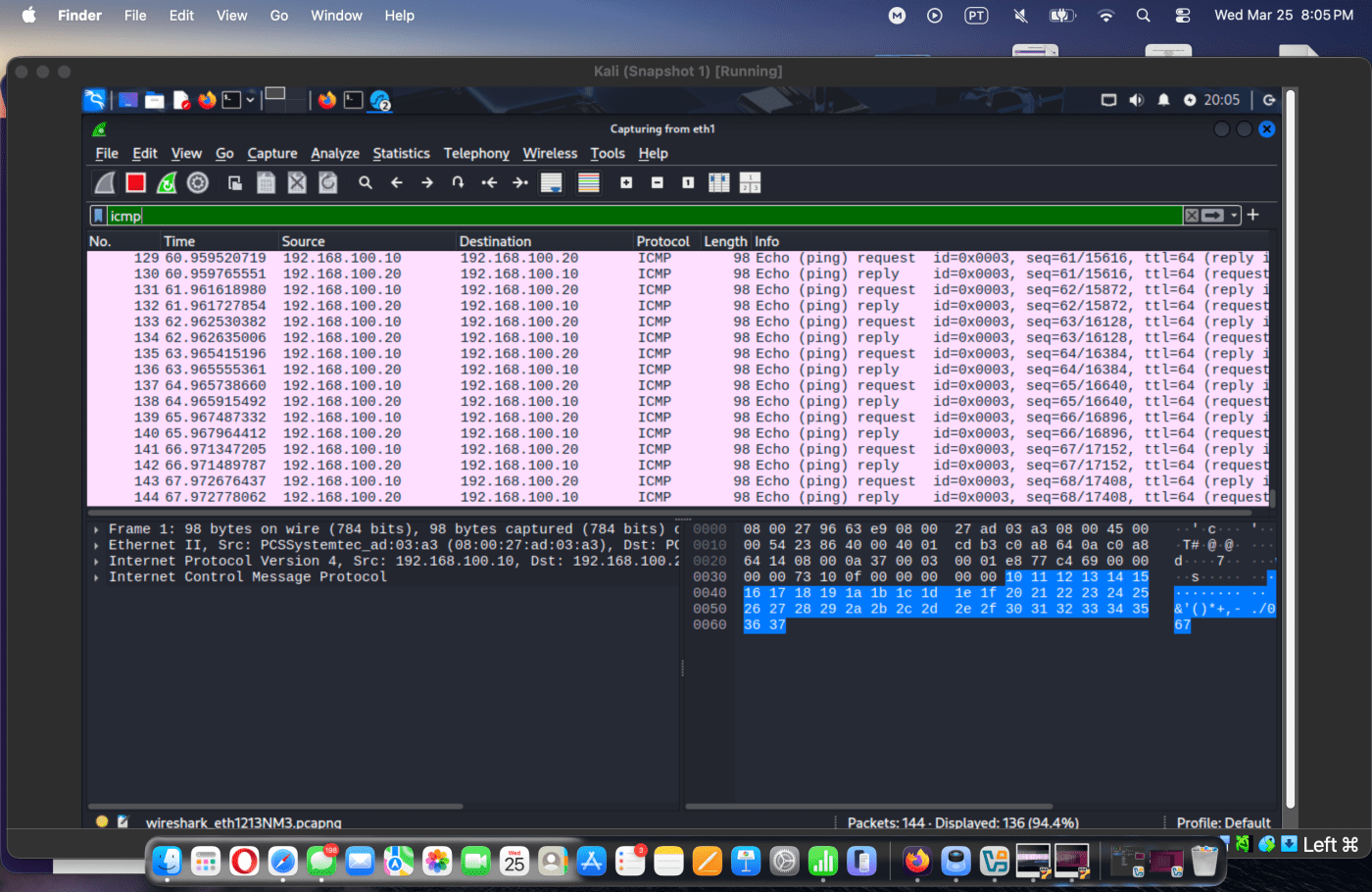
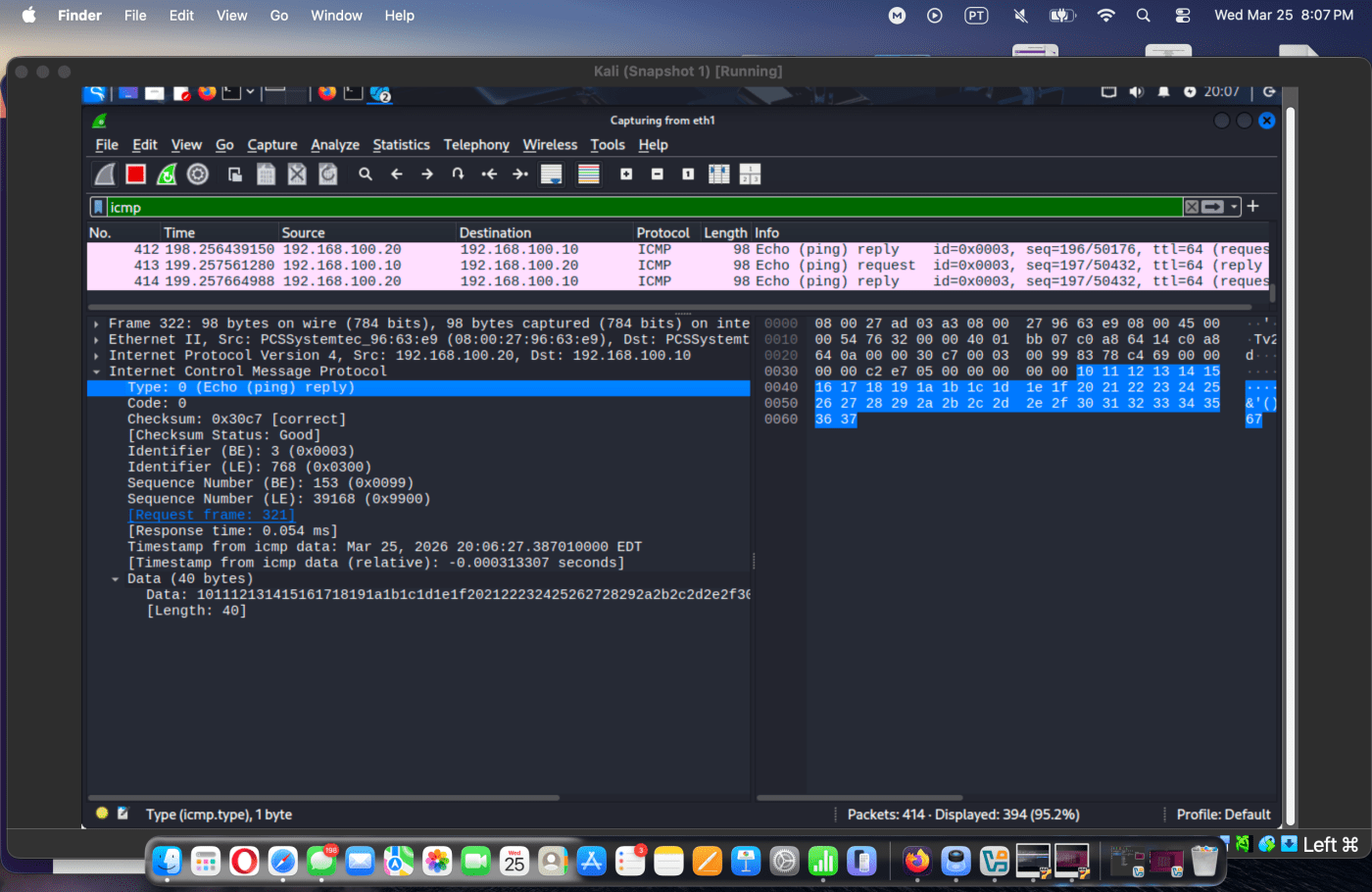
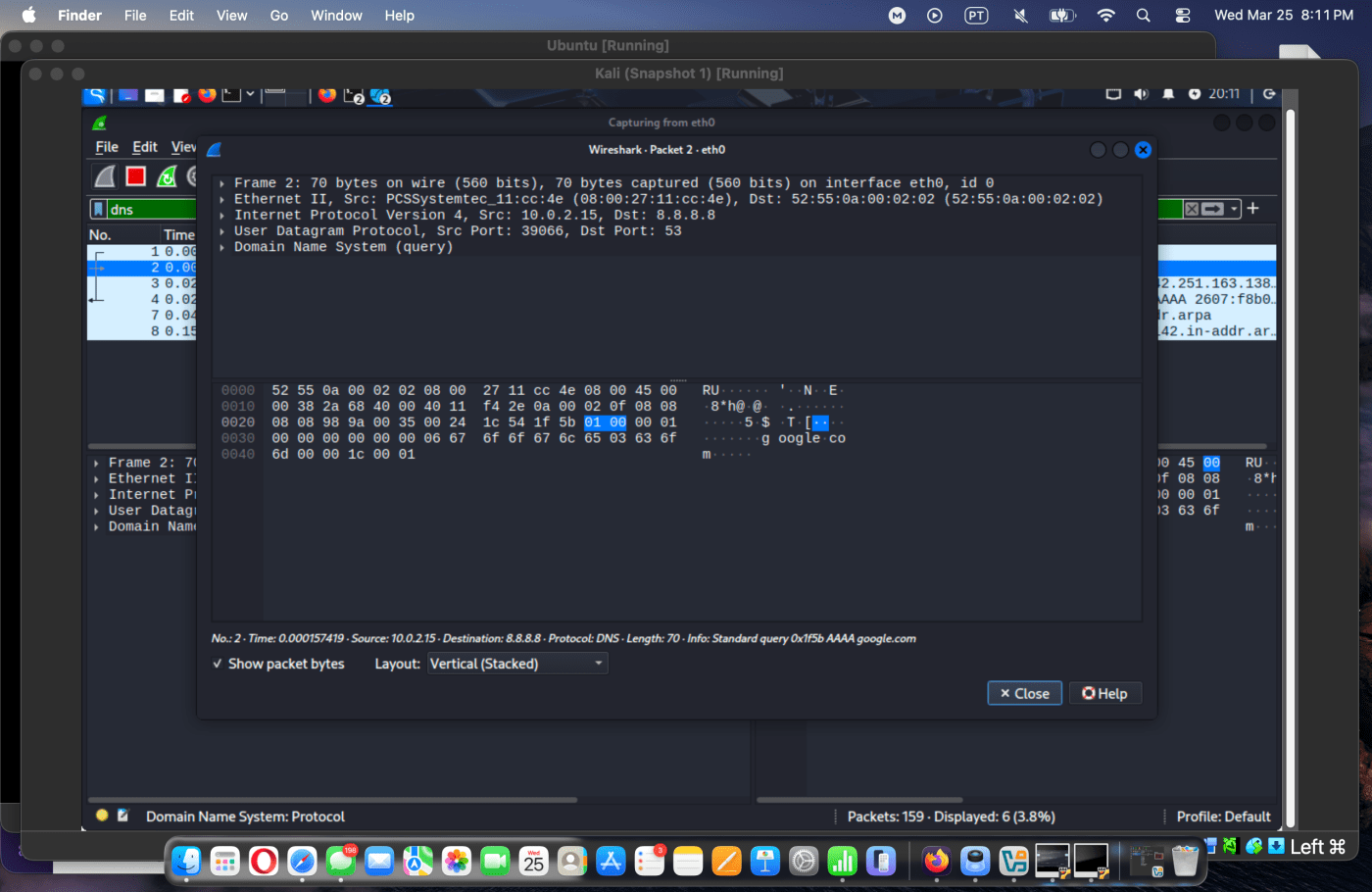
Both machines achieved stable internal communication and internet access, while packet captures confirmed bidirectional ICMP and successful DNS resolution.
Process
From problem to validation
Design the network
Configured NAT for internet access and an isolated lab network with manually assigned 192.168.100.x addresses.
Diagnose failures
Used interface, route, ping, and DNS checks to isolate duplicate IP, unreachable-network, and name-resolution problems.
Restore connectivity
Corrected interface state, static addressing, routing tables, and DNS configuration until communication was stable.
Validate with packets
Captured ICMP request/reply pairs and DNS queries in Wireshark to verify what the network was doing, not only what the UI reported.
Evidence
Implementation and validation
Skills demonstrated